

Hi everyone!
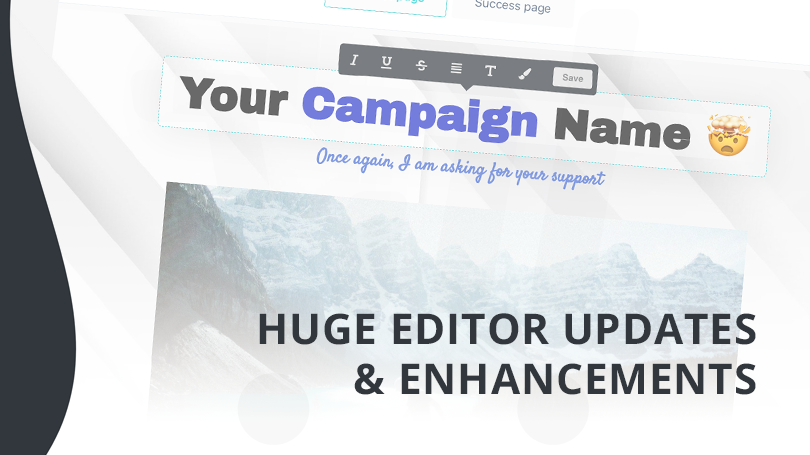
We’re happy to announce a huge array of new checkout editor features and enhancements have been released and are available right now in your account!
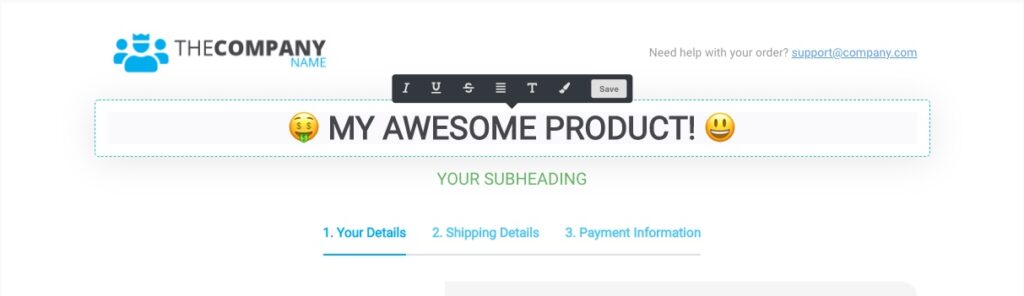
1. Emoji support 😍
That’s right! You now have full emoji support within your checkout, upsell, and success pages. Allowing you to create even more engagement and attention attracting pages.
You can head over to a site like getemoji.com and copy/paste emoji’s into your pages wherever you can put text!
2. HUGE font support 😎
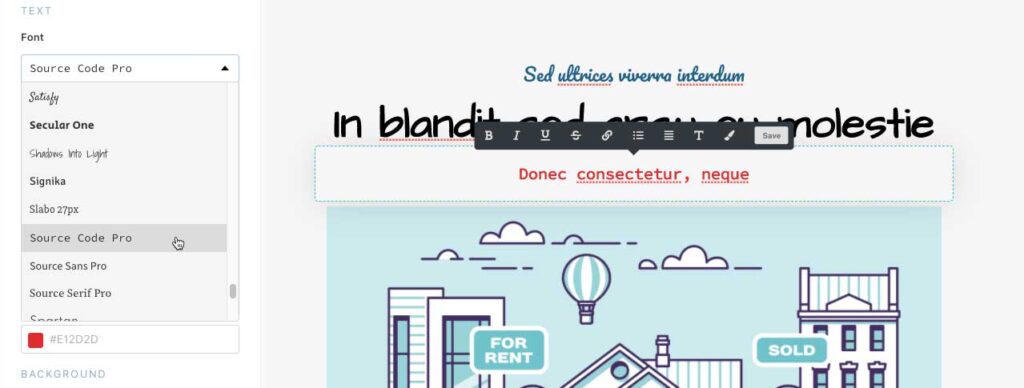
We’ve now added huge support for Google Fonts with 150 font’s available for use in your checkout pages!
When scrolling through the font’s you’ll even see a preview on how they look, saving you time in selecting that perfect font for your page ❤️
You can now easily add that personalised touch to your pages, help maintain that brand consistency, and create some on-point pages!
3. Background images 🌄
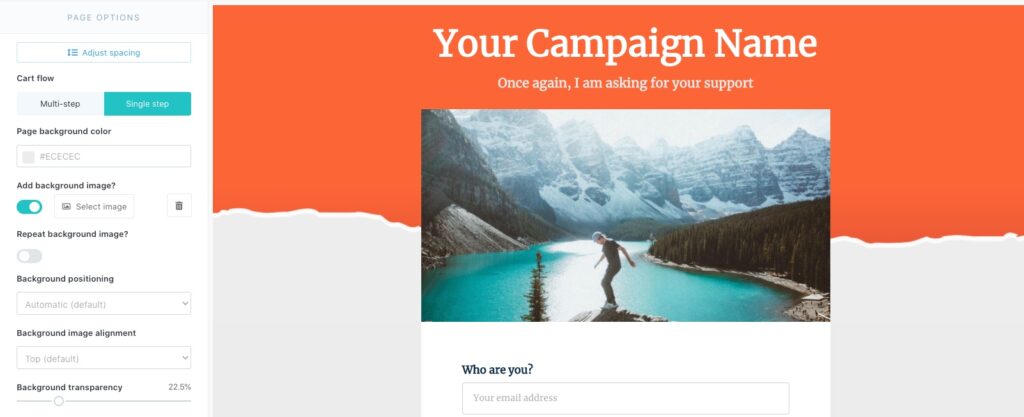
Your checkouts and upsell/success pages now have the ability to easily add background images!
You can use these to create fancy header/footer backgrounds, along with having repeating patterns, and customising the opacity of the background image (creating some cool looking effects!)
4. Inline text colour options 🖍
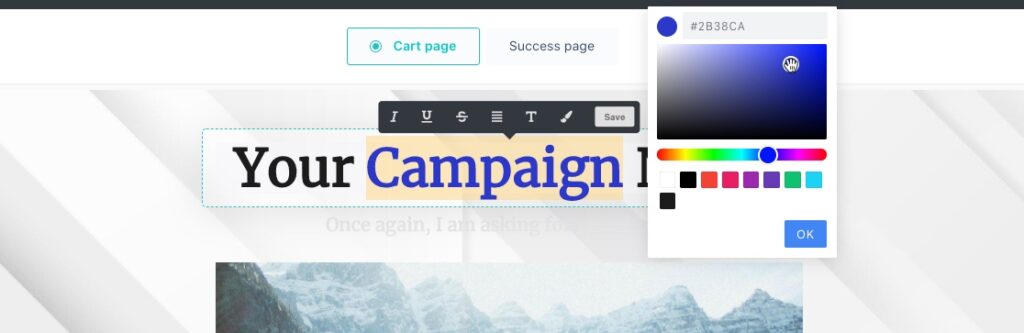
Another huge update are the enhancements to our text editing options! Now you can not only set the entire block/element’s default text colour, but you can also highlight text and set custom inline colours.
What’s more this also extends to our highlight option – you can now use custom colours when highlight text!
5. Upload multiple images at once 📁
To help make your workflow even easier, we’ve now included the ability for you to drag and drop multiple files into the gallery area.
You can either drop and drop images into the gallery area or when clicking the button to upload images – select multiple at once (usually by holding cmd or ctrl if you’re on Mac or Windows).
6. Plus more! 😯
On top of the above powerful features, we’ve also released a number of other tweaks like the ability to set the casing for headlines, and various fixes for things like column content stacking (in mobile), upsell pages not having content positioned relative to design on mobile and more!
A couple of other minor fixes where customers were unable to resend their receipt for rebills from your customer hub and where in some cases the customer name wasn’t set to MailerLite have also been fixed.
We really hope you enjoy these latest updates and can’t wait to see your new checkout pages!
Stay tuned for more from the ThriveCart team!