Home > How ThriveCart Works > Drag and Drop Checkout Editor
Design your checkout exactly how you want it with ThriveCart’s intuitive drag and drop editor. Create a page that matches your brand, highlights your offer, and guides customers through the buying process in just minutes — no coding required.ThriveCart offers built-in Learning Management Software so you can seamlessly navigate your students from checkout to course engagement in seconds.
Set advanced rules and triggers, time limit access, drip content, bundle offers, reward students with bonuses, student imports and more!
70M+
Products sold with ThriveCart
Over 70 million products have been sold using ThriveCart, with templates boosting conversions for many sellers.
$8B+
REVENUE PROCESSED
ThriveCart has processed over $8 billion in sales, many being powered by our high-converting templates.
75K+
ACTIVE SELLERS WORLDWIDE
Over 75,000 businesses use ThriveCart, many using templates to optimize their checkout & sales process.
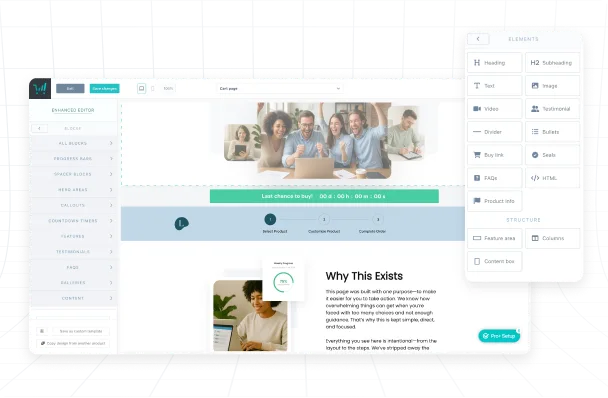
Most checkout page builders force you into fixed layouts or make you hire a developer to make changes. ThriveCart’s drag and drop editor lets you move, resize, and arrange every element exactly how you want it. Add headlines, product images, testimonials, videos, and more while keeping the layout simple and focused on getting the sale. You have the flexibility to create high converting checkout pages that reflect your vision without the delays, costs, or limitations of other eCommerce platforms.
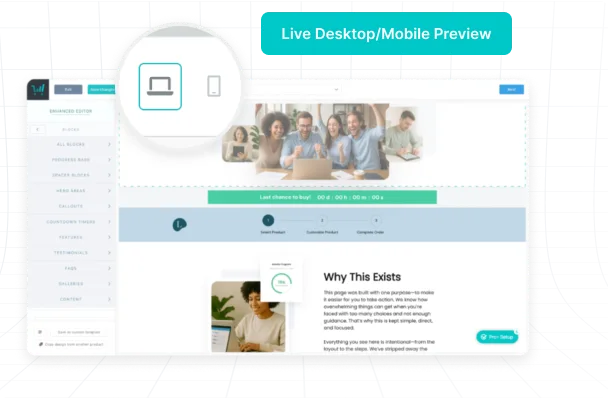
See your edits in real time with ThriveCart’s live preview. You can make quick adjustments to copy, design, and layout without switching tabs or waiting for updates to load. This makes it easier to create a polished, conversion ready page that looks exactly how you want before it goes live.
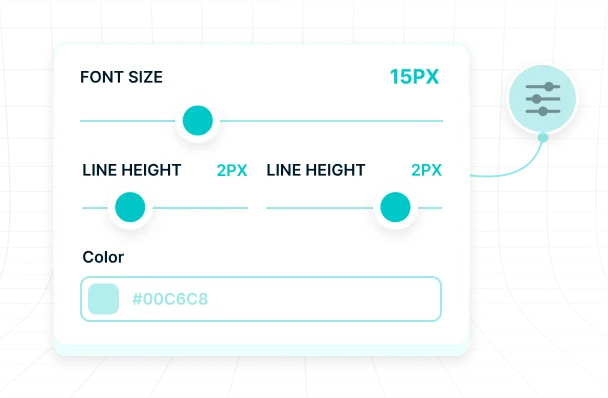
A checkout should look and feel like part of your business. With ThriveCart, you can match your brand in minutes by adjusting fonts, colors, backgrounds, and layouts. Whether you are selling digital products, online courses, or subscription offers, your checkout will look professional, trustworthy, and consistent across every page, giving customers a smooth buying experience from start to finish.
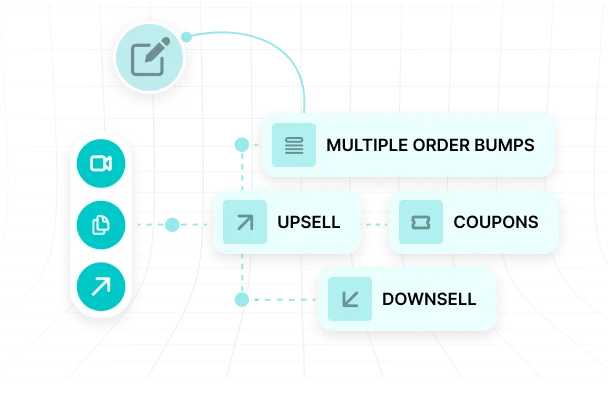
The editor works hand in hand with ThriveCart’s built in sales funnel software so you can easily add one click upsells, multiple order bumps, and subscription upgrades directly into your checkout flow. Every page you build is optimized to work with these features so you can increase average order value without adding extra steps or creating customer confusion.
Custom pricing tailored to your business. Contact us for a quote.
VIP Service
Talk to an ExpertReady to commit for life? Available as a lifetime option. Get Started.






Ready to grow your online business?
Get everything you need to launch fast, scale smart, and own your business today without the monthly fees.
Still looking for answers? Visit our support page or our blog for updates on newest features and integrations!
No. The drag and drop editor is completely visual and designed for anyone to use, even if you have never written a single line of code. Every feature is point-and-click, so you can build a professional checkout page by simply adding and arranging elements on the screen. All the technical setup — from mobile responsiveness to payment processing — is handled automatically in the background.
Yes. You have full control over your checkout’s look and feel. You can adjust fonts, colors, backgrounds, images, and layouts to perfectly match your brand guidelines. This ensures your checkout looks like a seamless extension of your website or sales page, which helps maintain trust and brand recognition all the way through the buying process.
Yes. Every page built with the editor is automatically optimized for all screen sizes and devices. You do not need to create a separate mobile version or troubleshoot display issues. Whether your customers are on a phone, tablet, or desktop, your checkout will load quickly, look sharp, and be easy to navigate.
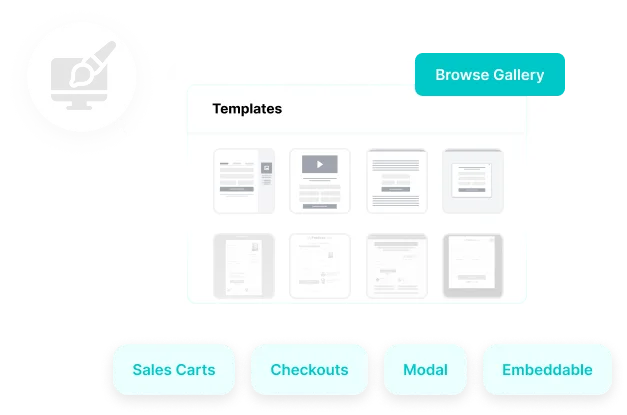
Yes. Once you create a checkout design you like, you can save it as a reusable template. This makes it easy to keep your branding consistent across multiple products and offers, and it saves time when launching new campaigns. You can also duplicate a saved design and make small adjustments instead of starting from scratch.
Yes. The drag and drop editor integrates seamlessly with all ThriveCart funnel features, including one click upsells, multiple order bumps, and subscription upgrades. This means you can design your main checkout and have every upsell or add-on offer match your branding and flow, creating a smooth customer journey from start to finish.
Yes. The editor is designed for business owners, course creators, and sellers who want professional results without hiring a designer or developer. Clear controls, instant previews, and prebuilt layout options make it easy to get started. Even if you have never built a page before, you can launch a checkout that looks like it was created by a pro.
