Home > How ThriveCart Works > Custom Domain Name
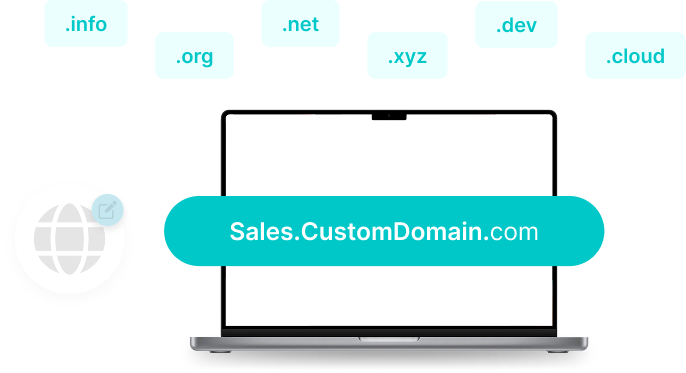
Put your brand front and center. With ThriveCart’s Custom Domain feature, you can connect your own domain so every checkout, sales page, and course looks fully yours.
70M+
Products sold with ThriveCart
Over 70 million products have been sold using ThriveCart, with templates boosting conversions for many sellers.
$8B+
REVENUE PROCESSED
ThriveCart has processed over $8 billion in sales, many being powered by our high-converting templates.
75K+
ACTIVE SELLERS WORLDWIDE
Over 75,000 businesses use ThriveCart, many using templates to optimize their checkout & sales process.
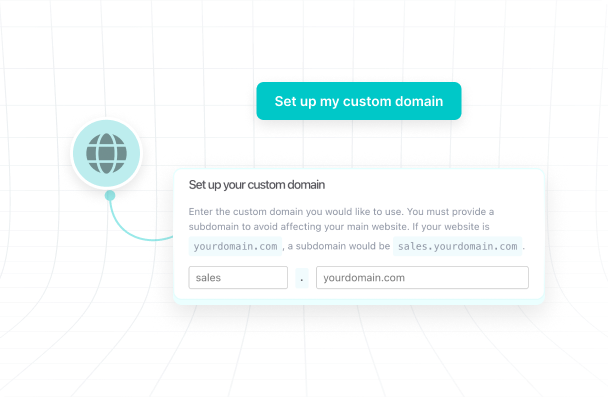
Replace ThriveCart’s default links with your own domain so buyers always see your brand. From checkout to course delivery, every page feels seamless and professional.
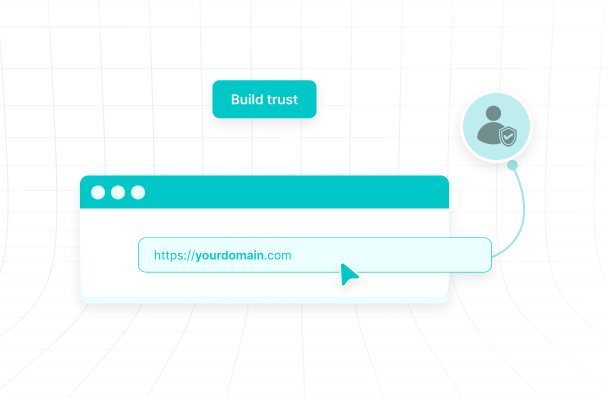
Customers are more likely to buy when they see your name in the URL. A branded domain builds authority, reduces hesitation, and gives every checkout a polished, trustworthy feel.
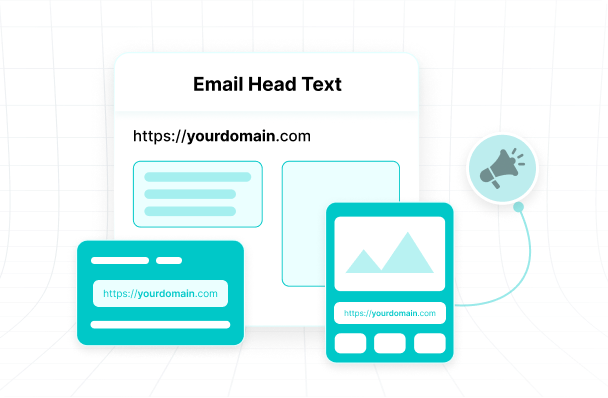
Promote clean, memorable links for products, funnels, and courses. Whether in ads, emails, or social posts, your domain makes every campaign easier to share and more consistent with your brand.
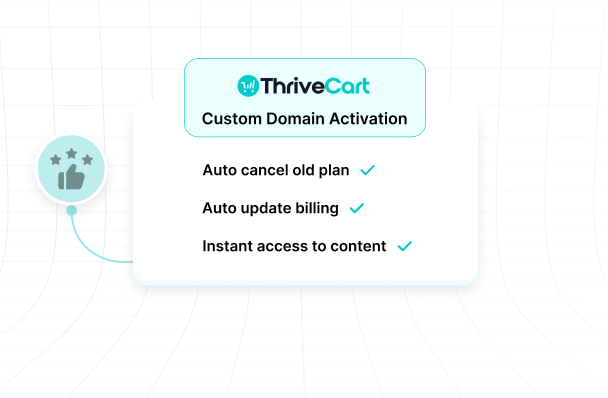
Set up your custom domain inside ThriveCart in minutes. Once connected, all your checkouts, landing pages, and Learn courses update automatically. No juggling extra tools or DNS headaches.
Custom pricing tailored to your business. Contact us for a quote.
VIP Service
Talk to an ExpertReady to commit for life? Available as a lifetime option. Get Started.


Ready to grow your online business?
Get everything you need to launch fast, scale smart, and own your business today without the monthly fees.
Still looking for answers? Visit our support page or our blog for updates on newest features and integrations!
No. This feature is exclusive to our ThriveCart Pro+, Ultimate and Learn+ customers. To connect your own domain simply update your DNS settings and your checkout, sales pages, Learn courses will run under your brand. More details can be found here for your product checkout pages and here for your courses on Learn+.
It depends.
For your courses, If you’re on Learn+ you can connect different custom domains for different courses, making it easy to keep projects separate while managing them from one ThriveCart Learn+ account. More info can be found here.
For product and checkout pages you can only setup one custom domain at account level and it will replace your default subdomain. More info can be found here.
No. ThriveCart provides clear step-by-step instructions. If you can copy and paste into your domain registrar, you can set it up successfully.
Yes. Once your domain is connected, all your ThriveCart-hosted pages including checkouts, carts, and Learn courses automatically use your custom domain.
Yes. Branded domains reduce buyer hesitation by creating a seamless and credible checkout experience. Sellers often report stronger trust and smoother sales.
Yes. You can update or replace your domain anytime inside your ThriveCart settings. Changes apply automatically across your active pages.
