


You’ve got valuable knowledge you’re ready to share – great. But monetizing it in the form of a course involves way more than just creating, uploading, and publishing videos. While platforms like Teachable let you host courses, creators need platforms that scale their businesses, not restrict them.
With the global learning market set to grow over 14% from 2023 to 2032, the opportunity is huge. But where do you start? A good course hosting platform should offer more than just video uploads and locked lessons; it should also include automation, gamification, deep customization, and expanded course options.
Below is a curated list of the best Teachable alternatives for 2026, selected for their powerful features, flexible pricing, full payout control, and strong support for selling online courses and building thriving communities.
Key takeaways:
- As the eLearning market grows, creators often outgrow Teachable because it lacks the advanced automation, customization, and community-building tools needed to scale a modern online education business.
- The best Teachable alternatives in 2026 offer a wide range of solutions, enabling creators to select the one that best suits their business model and audience engagement goals.
- ThriveCart Academy is the top overall alternative as it combines powerful checkout, sales, community features, gamification, quizzes, and course-hosting features that give creators full control over payments and long-term scalability.
Want to monetize your expertise? Start selling your courses in ThriveCart!

1) ThriveCart Academy

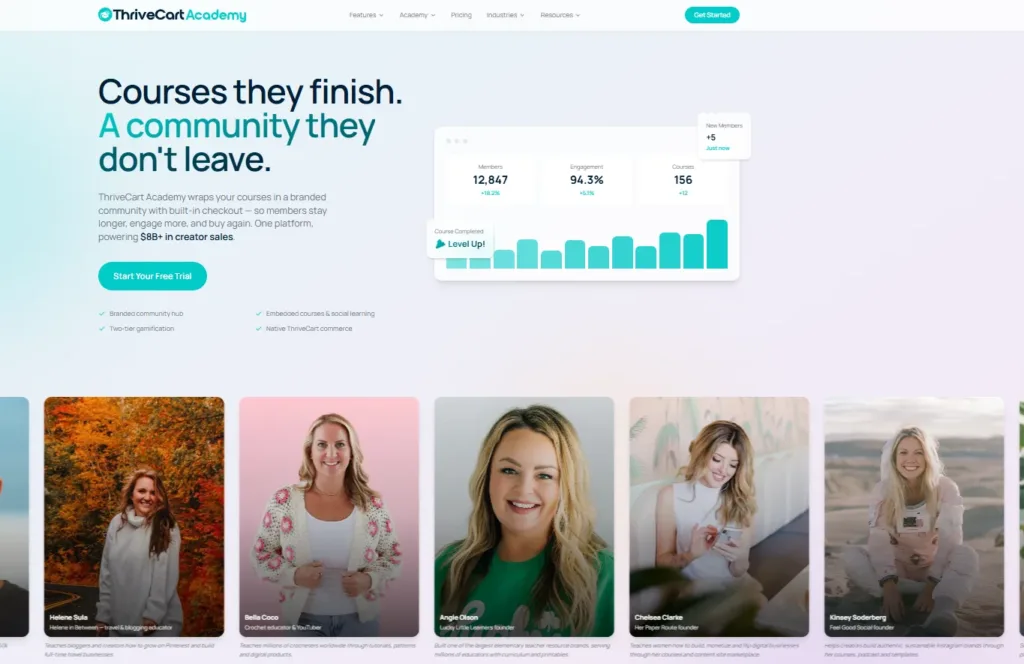
ThriveCart, originally known for its cart and checkout features, is growing into a full-feature platform. The addition of ThriveCart Academy, a community-first course platform, gives creators an all-in-one platform for hosting pre-recorded courses, online courses, native video, and self-paced courses, eliminating the need for creators to buy additional software.
Here are more reasons why you should switch from Teachable to ThriveCart Academy:
- Affordable monthly pricing: ThriveCart Academy’s feature-rich course and community platform starts at just $37/month (billed annually) and includes quizzes, certificates, leaderboards, gamification, communities, forums, and much more.
- Flexible course access settings: Modular lessons, tiered access, and drip schedules make it easy to create dynamic courses both for businesses and learners.
- Advanced student management: You can track progress, enrollments, and certificate distribution at scale. This is an ideal setup if you plan to accept an unlimited number of students.
- Built-in sales tools: ThriveCart offers A/B testing, upsells, bump offers, coupons, and pixel-tracking support. Add ThriveCart Academy to unlock community features, group messaging, AI moderation and spam filtering, and native video support for your online courses.
- Hosting courses: ThriveCart Academy allows you to create unlimited courses, giving you a future-proofed, scalable LMS choice for your business.
- Easy course creation: The interface has a simple editor that doesn’t need technical know-how or coding knowledge.
- Seamless integration: You need email marketing to promote your courses, webinars, and products, and to nurture your funnels. Integrating the platform with your preferred email provider is easy. Plus, native email support is coming to ThriveCart in 2026.
👀➡️ WHICH PLATFORM IS RIGHT FOR YOU? | ‘ThriveCart Academy vs Teachable: A No-Fluff Breakdown for Course Creators (2026)‘
2) AccessAlly
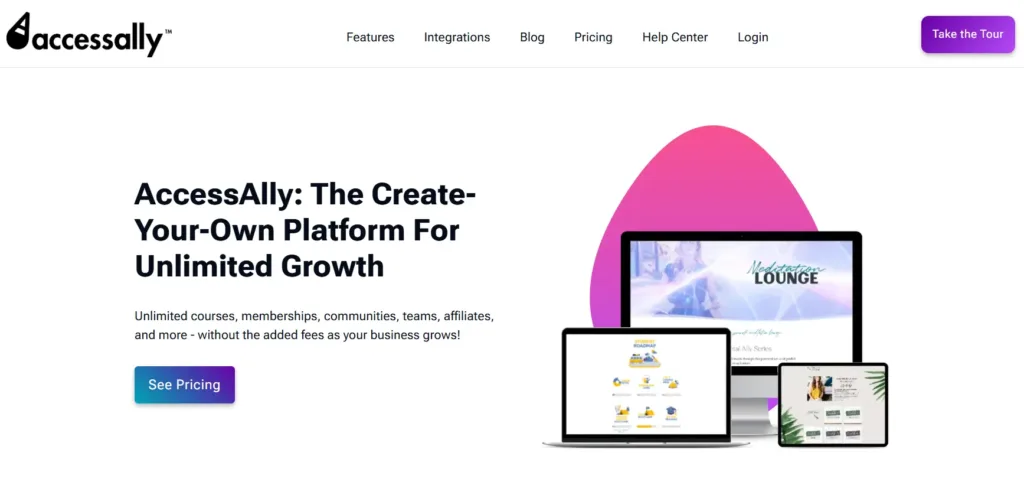 This plugin is designed for WordPress users who want options for enrollment, functionality, and design while offering a variety of courses. AccessAlly offers customization options through a WordPress-based setup, allowing you to create your own courses and manage your website.
Features:
- WordPress plugin: build, sell, and manage your online courses from your WordPress site
- Course and LMS builder: make courses with lessons, quizzes, and progress tracking
- Order forms and checkout: custom order forms with fields and branding
Paid plans include:
- AccessAlly Essentials ($990/year) – for small businesses and solopreneurs with no limits on courses and members, and top-of-the-line support.
- AccessAlly Pro ($1,290/year) – mid‑tier option with a built‑in learning management system (LMS) for educators and marketers.
- AccessAlly Community ($1,490/year) – advanced plan for coaches and community leaders, with no limits on community groups, discussions, courses, and members.
👀➡️ YOU MIGHT ALSO LIKE | ‘The Skills Crisis Gold Rush: 4 Ways to Turn Your Expertise Into a 6-Figure Education Empire‘
3) Circle
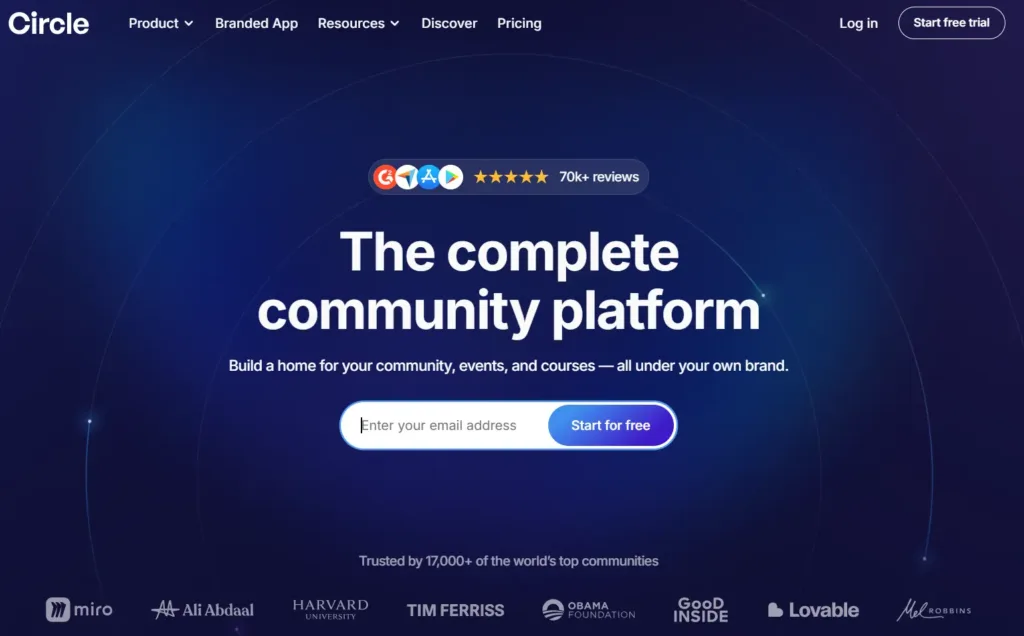 Circle helps you host courses, events, and live streaming. It’s similar to Mighty Networks, but offers support for memberships and layout options.
Features:
- Custom community areas featuring structured discussions and searchable member profiles
- Courses and events for hosting lessons, live rooms, and streams
- Monetization tools: paid memberships, subscriptions, and native checkout options
- Branding and customization with custom domains, colors, and a website builder
- Automation, analytics, and integrations with workflows, email hub, API, and engagement insights
Paid plans include:
- Professional ($89/month) – includes courses, events, discussions, live streams, and a website builder.
- Business ($199/month) – includes workflows, custom profile fields, admin API, and content co-pilot.
👀➡️ RELATED READING | ‘How to Launch a Profitable High-Ticket Course‘
4) Kajabi
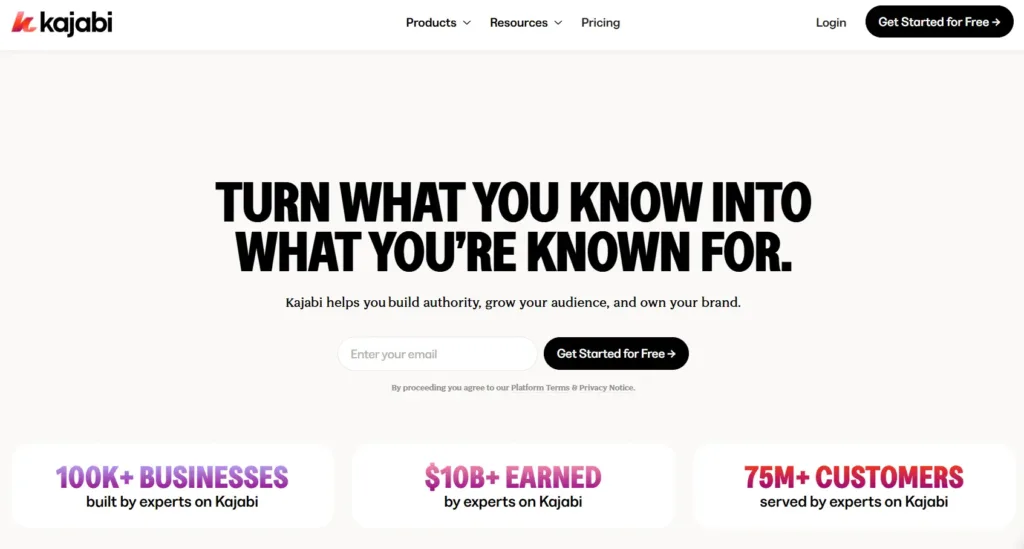 Kajabi is a single platform for managing online courses, coaching, communities, and email marketing. It enables creators to create courses, build automations, host online communities, and manage an online business.
Features:
- Website and landing page builder
- Email marketing tools with automation
- Bundles for membership sites
- Video hosting
- Course content hosting with drag-and-drop organization
Paid plans include:
- Basic ($179/month) – for reaching a broader audience.
- Growth ($249/month) – for scaling your present business.
- Pro ($499/month) – for businesses looking to expand without restrictions.
👀➡️ EXPLORE KAJABI ALTERNATIVES HERE | ‘Top 7 Kajabi Alternatives in 2026 for Course Creators and Coaches‘
5) LearnWorlds
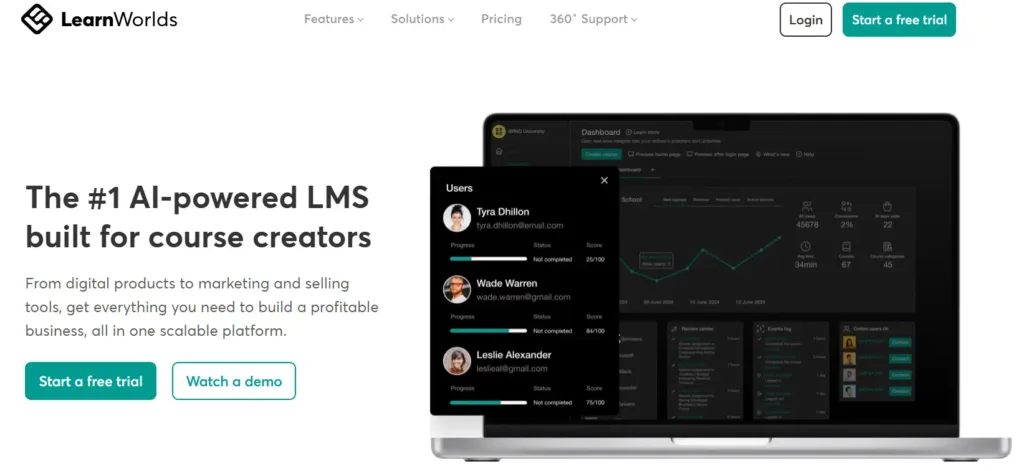 This platform is designed for creators who utilize course features such as interactive video, branding, and analytics.
Features:
- In-video quizzes
- Certificates and testing
- Custom themes for branding
- Community engagement tools
- Integration with external email marketing tools
Paid plans include:
- Starter ($29/month) – entry‑level plan to create and sell courses with basic tools and limited site features.
- Pro Trainer ($99/month) – for creators looking to expand, with no transaction fees and additional course-building options.
- Learning Center ($299/month) – for larger academies wanting learning tools, analytics, and extended administrative capabilities.
- High Volume & Corporate (custom pricing) – for large organizations and training programs.
Let your customers pay for your products without breaking a sweat.

6) Mighty Networks
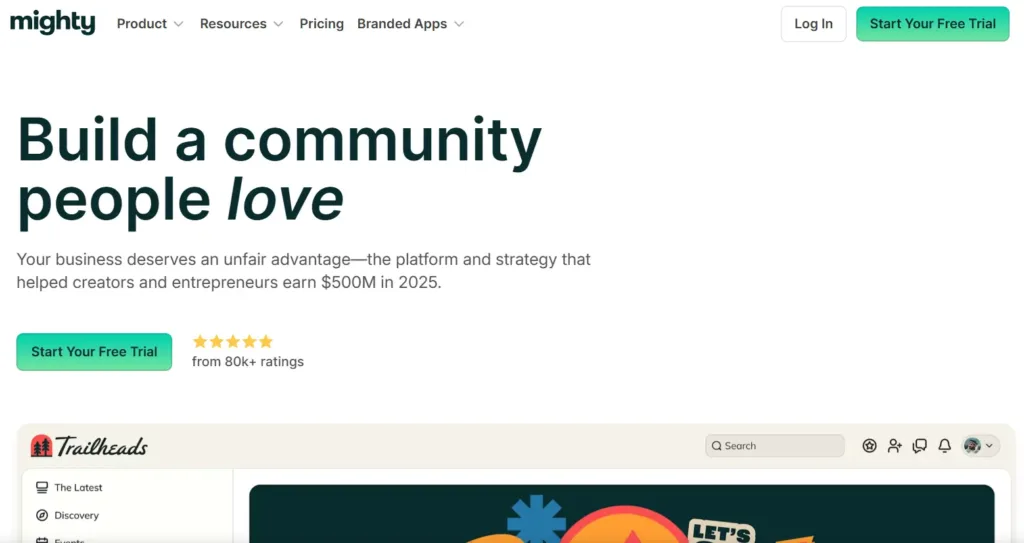 This online community and learning platform offers courses, engagement tools, and supports live and virtual events.
Mighty Networks supports live and virtual events, and online courses that
Features:
- Supports mobile use through iOS and Android apps
- Built-in community interaction system
- Ability to build your own website inside the platform
- Group chat and member profiles
Paid plans include:
- Launch Plan ($79/month) – Suitable for beginners creating a community. It includes courses, basic automations, and a community platform.
- Scale Plan ($179/month) – Here, you can use more automations and migrate your platform to Mighty Networks.
- Growth Plan ($354/month) – This plan supports advanced automations, simultaneous promotions, and branded apps.
👀➡️ HANDPICKED FOR YOU | ‘How to Increase Checkout Conversion Rates: 12 Strategies‘
7) Podia
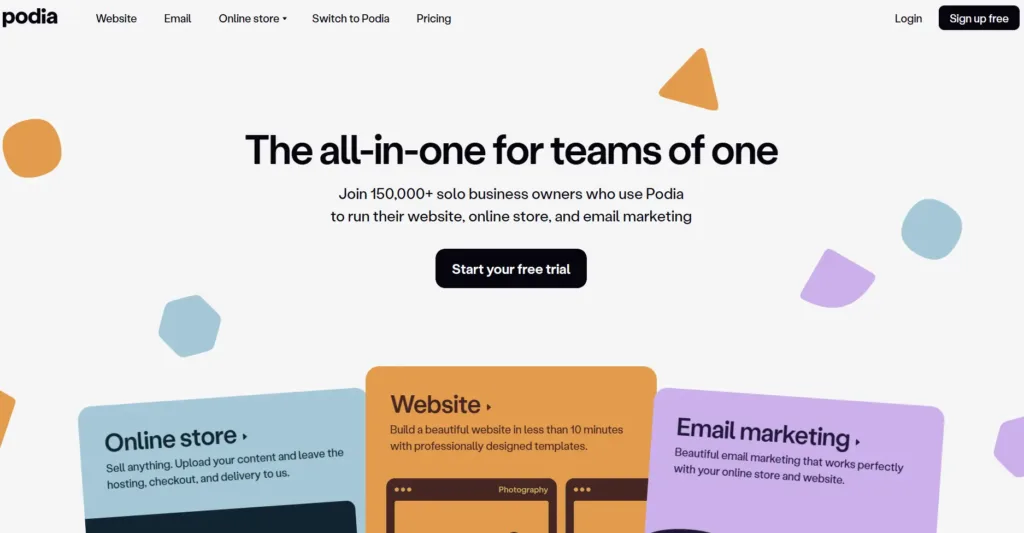 Podia is a creator learning platform that allows creators to sell courses, webinars, digital products, and community memberships.
Features:
- A storefront for online business creators
- Tools to create courses and promote digital downloads
- Email marketing capabilities
- Direct messaging between students and creators
- Membership sites and communities
Paid plans include:
- Mover ($39/month) – all‑in‑one plan for creators who want a website, store, email marketing, and unlimited products, but with a 5% transaction fee.
- Shaker ($89/month) – a plan that includes all features in Mover, with no transaction fees and affiliate marketing.
8) Skool
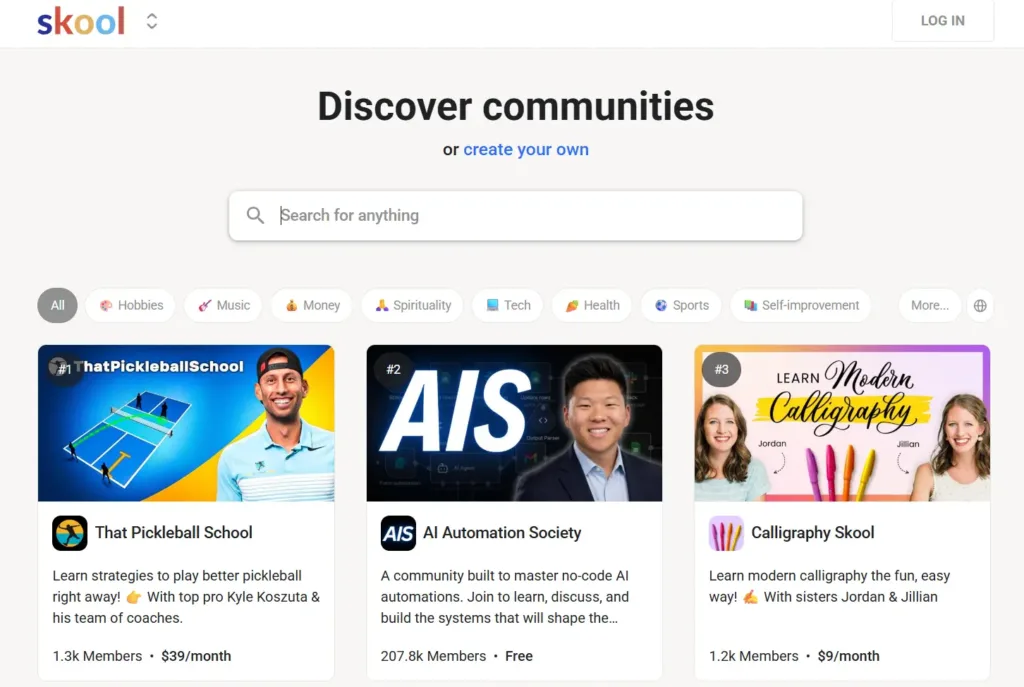 This platform provides course hosting, gamification, leaderboards, and community post features.
Features:
- Community spaces for discussions, posts, and comments
- Course and classroom hosting (unlimited courses and structured lessons)
- Event calendar and scheduling (live sessions, webinars, reminders)
- Gamification and engagement tools (points, leaderboards, member motivation)
- Monetization and membership management (paid access, subscriptions, built-in payments)
Paid plans include:
- Hobby Plan ($9/month) – entry‑level creator plan with all core features, unlimited members and courses, 10% transaction fee on payments.
- Pro Plan ($99/month) – full plan with all core features, unlimited members and courses; lower transaction fees.
👀➡️ TOP TIPS TO READ NEXT | ‘How Do You Monetize an Email List: 6 Proven Strategies for Turning Subscribers Into Revenue’
9) Systeme.io
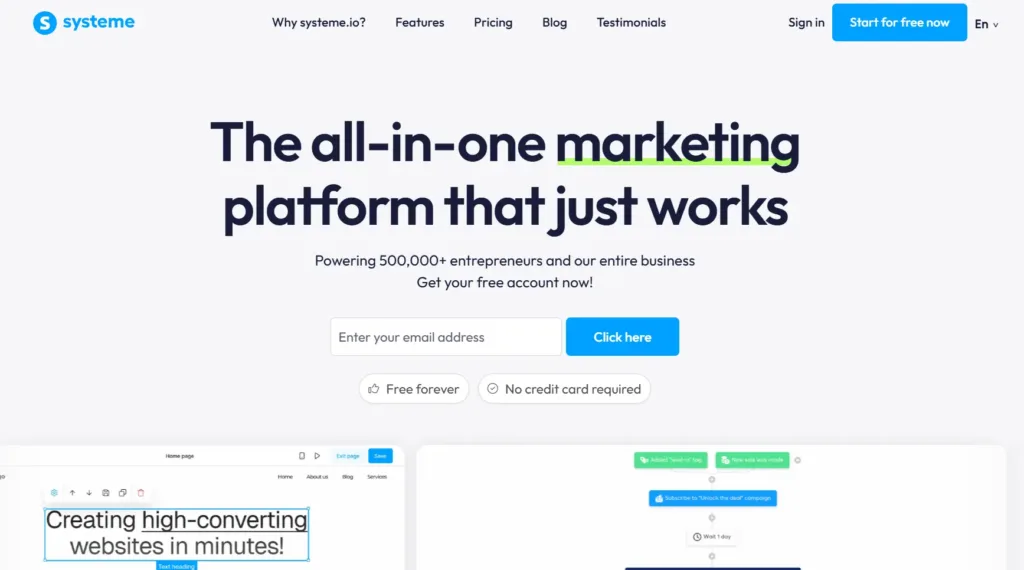 This platform combines email, funnels, and course management in a single system. It offers a free plan for users who only require basic course management features.
Features:
- Build sales funnels, websites, and blogs
- Send emails and automate workflows
- Create and sell courses and memberships
- Sell digital and physical products
- Manage affiliate programs
- Host webinars and manage leads, sales, and integrations
Paid plans include:
- Startup ($17/month) – plan for solopreneurs and small businesses ready to expand their audience.
- Webinar Plan ($47/month) – plan designed for users focused on webinars and higher limits of funnels and contacts.
- Unlimited Plan ($97/month) – plan with extra options for contacts, funnels, automation, and support.
10) Thinkific
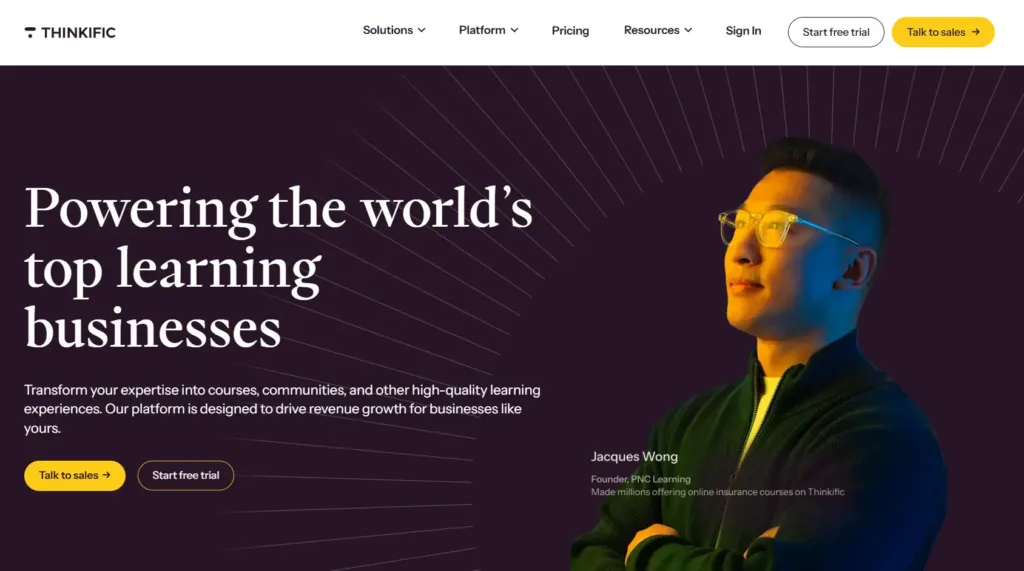 Thinkific lets users create and organize online courses, manage student enrollment and progress, and offers a free plan for new creators to get started.
What makes it an option:
- Tools for creating online courses and digital downloads
- Lesson interface for teachers and learners
- Ability to host self-paced courses
- Live lessons via integrations
Paid plans include:
- Basic Plan ($36/month) – foundational plan for beginners.
- Start Plan ($74/month) – growth plan for creators looking to expand.
- Grow Plan ($149/month) – plan with extended features for business growth.
- Thinkific Plus (custom pricing) – enterprise-level solution for teams or high-growth businesses.
Learn how to build a $100,000 course in 60 days, from a 7-figure creators
Narrowing down your options
Before making a decision, explore several platforms and narrow down your options to three or four. Choosing a Teachable alternative can be tough, but these tips can help.
- Compare pricing plans: Determine how much you’re willing to spend for the features you’re actually looking for.
- Feel and experience the platform: If you come across a free or a discounted plan, experiment with the features and workflows to see how you can use the platform for creating courses.
- Try integrating the platform: Connect it with the marketing tools you already have in your tech stack to determine if it allows for smooth integrations that can push your marketing strategy forward.
Why ThriveCart Academy Wins
While Teachable is a good starting point for hosting courses, many creators outgrow it as their business demands more control over pricing, automation, and checkout performance. ThriveCart wins by focusing on the revenue side of online education, not just course delivery.
Designed for selling, not just hosting
While Teachable and many alternatives prioritize course management, ThriveCart is built around high-converting checkouts. Native features like one-click upsells, order bumps, coupons, and A/B testing give creators more control over how they sell, not just what they sell.
One-time pricing vs ongoing subscriptions
Teachable and most competitors rely on steep monthly plans that increase as your business scales. ThriveCart’s lifetime pricing for its checkout keeps costs predictable, helping creators protect margins over the long term.
ThriveCart Academy completes the platform
With ThriveCart Academy, ThriveCart adds a feature-rich community and gamification platform, at affordable monthly pricing. The Academy also includes full course hosting, communities, native video support, certificates, gamification, experience points, leaderboards, AI functionality, custom domains, and much more.
More ownership as you grow
ThriveCart gives creators complete control over payments, data, and sales flows, making it a stronger long-term alternative for businesses that want to scale beyond Teachable’s built-in limitations.
👀➡️ READ A CASE STUDY | ‘From Passion Project to $1 Million in a Year: How Chris Huntley Built a Recurring Revenue Empire With ThriveCart‘
Switch to ThriveCart today!
ThriveCart Academy makes running your online business simple and efficient. With fast-loading pages, you can showcase your products and services instantly, create sales funnels, and automate your marketing strategy to grow your business.
Whether you’re launching a short course, a community, or a full digital academy, ThriveCart gives you the flexibility and control to scale your business on your terms, without compromise.
